Synastry & Composite
Put two charts on the same map — overlay both people's lines, read where they cross, and blend them into a composite. Works in both Astro and HD.
Synastry & Composite
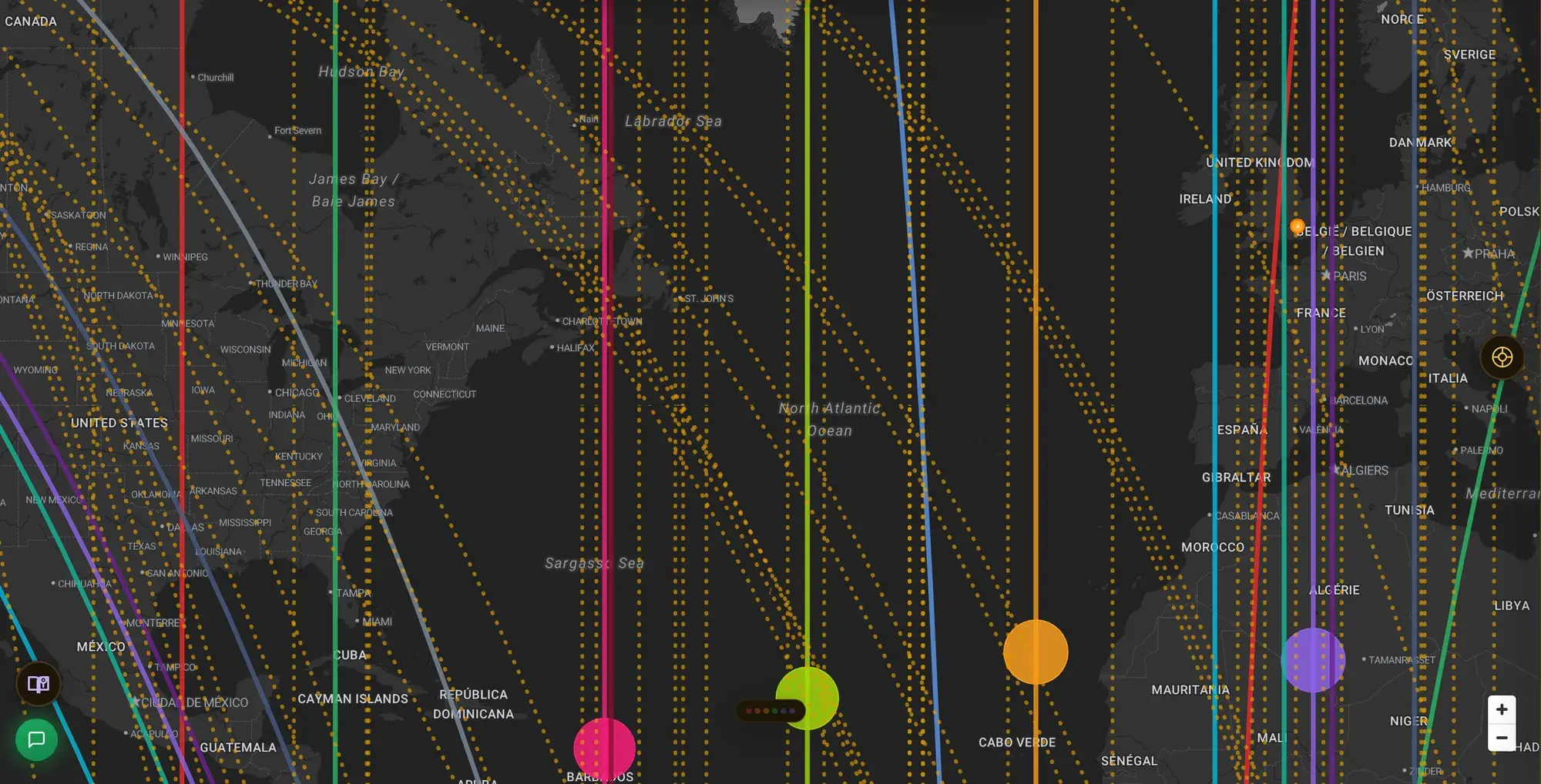
ELA Map isn't limited to one person. Add a second chart and the map becomes a relationship tool: two sets of lines on one globe, plus the places where they meet.
Add a second person
Every chart you create lives in your chart library. To compare two people:
- Make sure both charts exist in your library (create the second person if needed).
- Open the chart carousel and select a second chart to overlay.
Once two real person-charts are active together, the map switches into relational reading automatically.

Reading two charts (synastry)
Synastry keeps both charts distinct: each person's lines stay their own, drawn together on the same map. The places worth noticing are the crossings — where one person's line meets the other's, highlighted so they're easy to spot. A crossing is a place that lights up for the pair: somewhere one person's rising planet meets the other's overhead planet, for example. It's a where-do-we-work map.
Blending two charts (composite)
Composite takes the opposite approach: instead of two overlaid charts, it builds a single blended chart for the relationship and maps that. One set of lines, representing the pair as its own entity. It answers "where does this relationship thrive," rather than "where do we each land."
Composites are computed with the Davison method by default.
Astro and HD both work
Everything above applies in both modes:
- Astro — two people's planetary lines and their crossings.
- HD — two designs on the map, and a composite bodygraph for the pair.
Switch modes with the Astro / HD control; the relational overlay carries across.
Related: Reading the Map · Using Human Design Mode on the Map · Relocation Analysis