Using Human Design Mode on the Map
Switch the map to Human Design — gate and channel lines, the Expression Field wash, the bodygraph panel, and where synastry, transit, and composite fit.
Using Human Design Mode on the Map
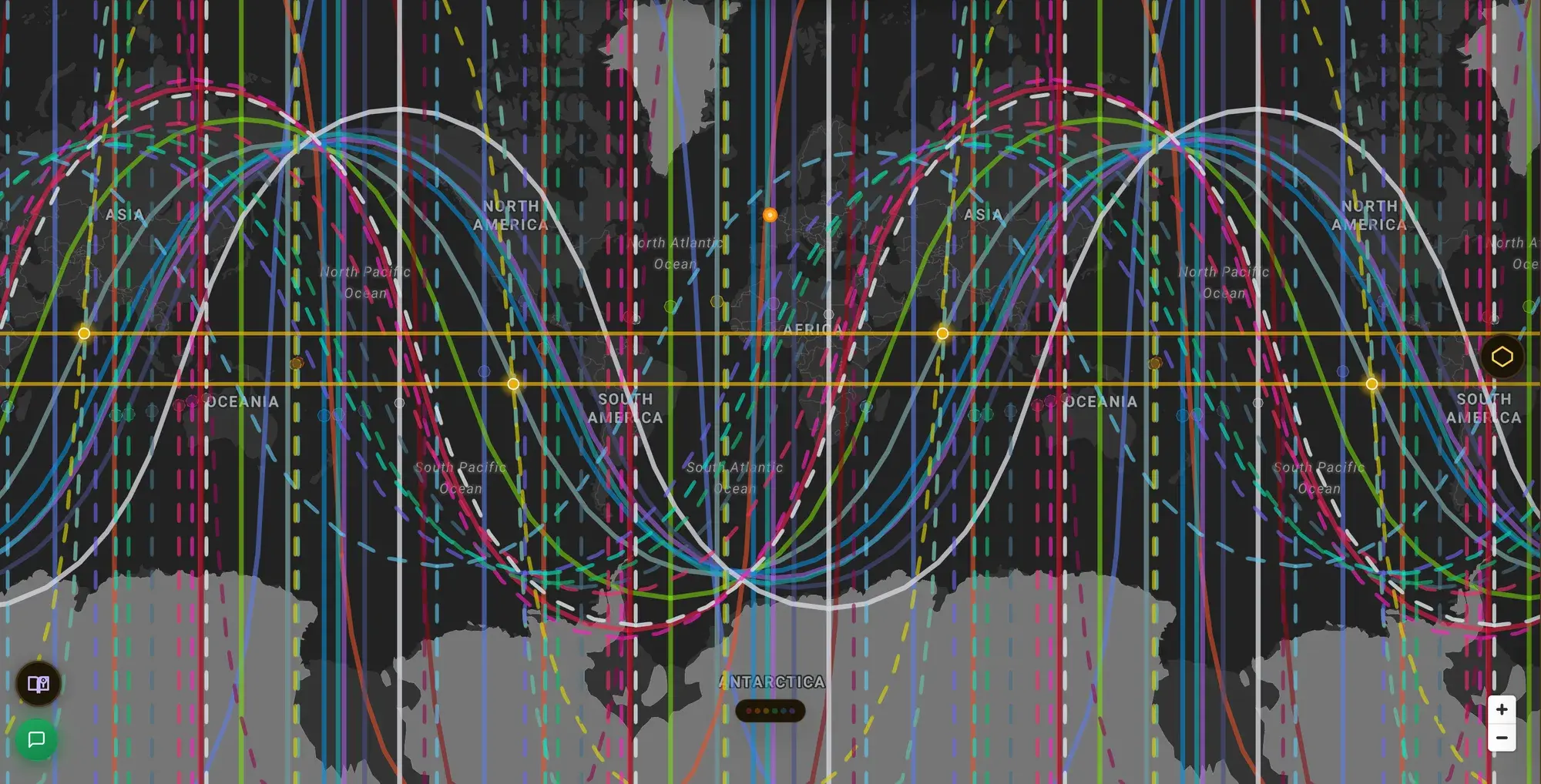
ELA Map reads your birth data two ways. Astro mode draws planetary lines; HD mode draws the same globe through Human Design — the I Ching gates and channels of your bodygraph, mapped onto the world.
Switching modes
- Desktop — the Astro / HD tabs in the top bar.
- Mobile — the Astro / HD pill (also in the avatar hub's lens toggle).
Entering HD mode is free, and so are your Personality and Design lines, HD zenith lines, and the geodetic gate overlay. The deeper HD layers — gate crossings, channels, and the HD heatmap — need a paid plan, so you can look around before deciding.
What changes
The lines are no longer planets on angles. They become gate lines — where the gates of your defined design run active across the map. A quick vocabulary primer:
- Gate — one of 64 I Ching-based themes in your design.
- Channel — two connected gates forming a defined circuit between centers.
- Defined — a gate or channel that's consistently switched on in your chart.
The Expression Field
HD mode can shade the map with the Expression Field — a wash showing where your defined design runs strongest. It's an amplification map: where the world turns up what's already yours. It's the HD counterpart to the astro heatmap, and its lens lives on the bottom filter rail.
The bodygraph panel
Open the Human Design panel to see your bodygraph alongside the map, with Gates and Channels toggles and a list of your defined channels. It's the reference for reading which lines on the map belong to which part of your design.
Relationships & timing
HD cartography also supports comparison and time-based work:
- Synastry — overlay a second person's design to see how two charts meet on the map.
- Composite — a single blended design for the pair.
- Transit — where the current sky activates your open gates.
These build on the same mode; see Synastry & Composite for the two-chart flow.
Go deeper: the Human Design Astrocartography pillar. Related: Reading the Map.
Presentation Mode
A full-bleed, distraction-free workspace for live readings — drive the map from a radial Command Rose, build guided tours, and annotate as you talk.
Synastry & Composite
Put two charts on the same map — overlay both people's lines, read where they cross, and blend them into a composite. Works in both Astro and HD.