First Selection
Your first click on the map — what the reading panel shows, how to read orb and strength, and how to pin a line or save a place.
First Selection
Click anywhere on the map and ELA Map reads that spot back to you. This is the core loop: pick a place, see which of your lines land there and what they mean.
What opens when you click
Clicking opens the location panel on the side. Its header names the place and counts what's near — for example "Reykjavík · 6 lines within 3°" — with a coordinate strip that splits active (in orb) from nearby (just outside). Along the top: Save (the star), Deep Dive, Report, and × to close.
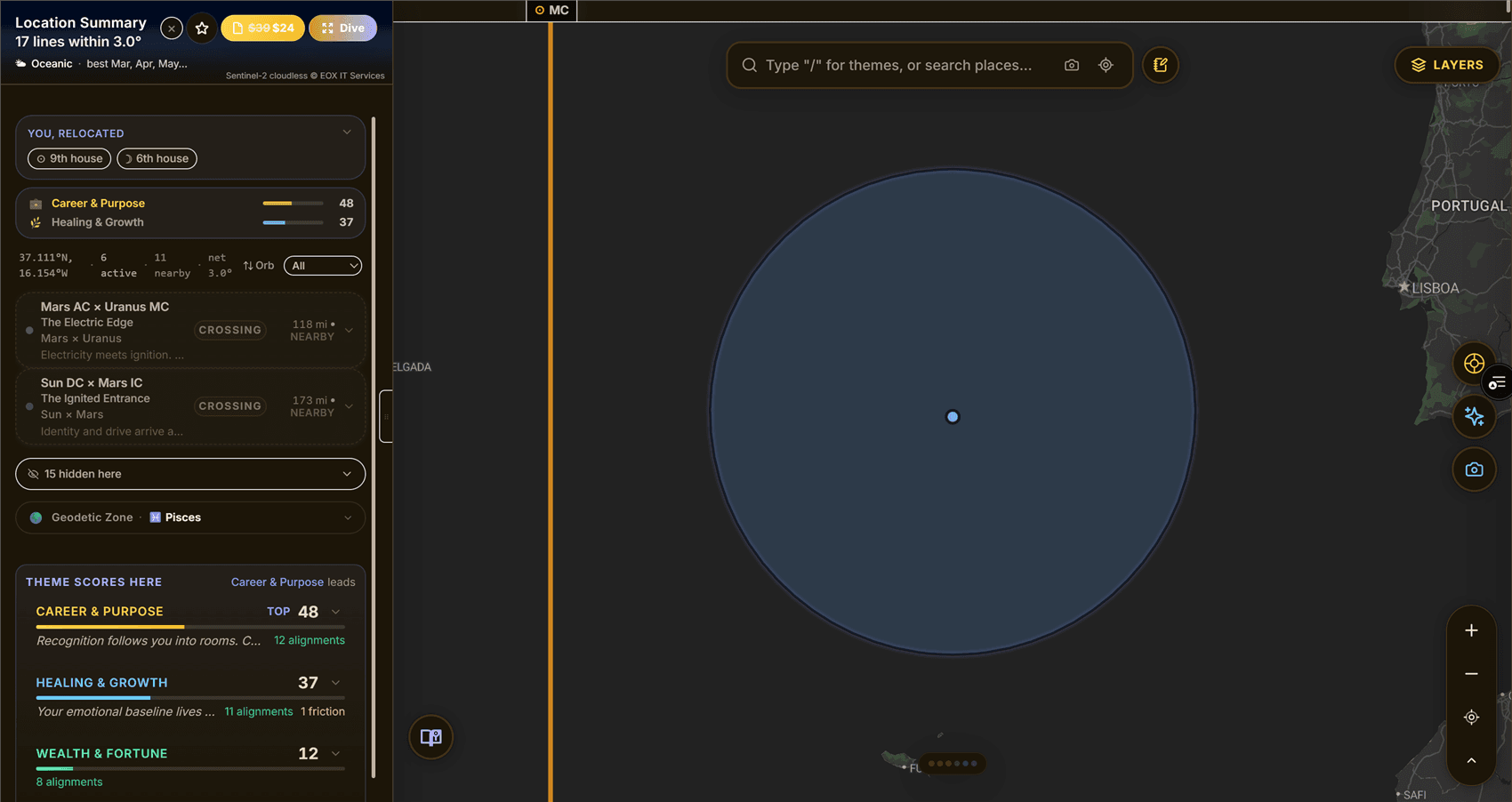
The read
Below the header is a short synthesis — a plain-language read of what it feels like to stand here, drawn from the lines that converge. When a longer version exists, a "Full read in Deep Dive →" link takes you deeper. Above the line list sits a one-glance strip of who you become here (astro) or what's expressed here (HD).
Then the lines in orb, one card each. A card shows the body and where its line falls — where that planet was rising on the eastern horizon (its AC line), setting on the western horizon (DC), culminating directly overhead (MC), or sitting underfoot at its lowest point (IC). Those four codes are the map's shorthand for the same angles you'd call the Ascendant, Descendant, Midheaven, and IC in a birth chart. Many lines also carry an evocative name (like "The Bright Entrance") under the technical label.
[!NOTE] Reads come in two flavors. A personalized read is written for your specific chart placement; when there isn't one, the card falls back to the general meaning of that line. Both are accurate — personalized is just tuned to you.
Orb, strength & receipts
Each line card carries a strength band — a slim bar and a "strong / moderate" label — showing how firmly the line lands here. Strength is simply how close you are to the line relative to its orb: dead-on reads 100%, the edge of the orb reads 0%. Closer lines also draw with a bolder accent.
Want the receipts? Sort or filter the list by Orb / Distance / Planet or by Planets / Angles / Crossings, and — with a theme active — open the score card to see exactly which contributors (and penalties) drove the number. It's all shown, nothing hidden.
Pinning a line
Click a line itself (not empty water) and its tooltip pins open. A pinned tooltip expands to the fuller reading and holds a dense provenance card — sign and degree, house, gate, center, dignity, and strength percent — so you can inspect one line without losing it. Click away or clear the pin to release.
Saving a place
Tap the star to save the location. A filled gold star means it's saved;
tap again to remove it. Saved places come back on My Places
(/places) and in your Places list, so the spots you're weighing stay one click
away.
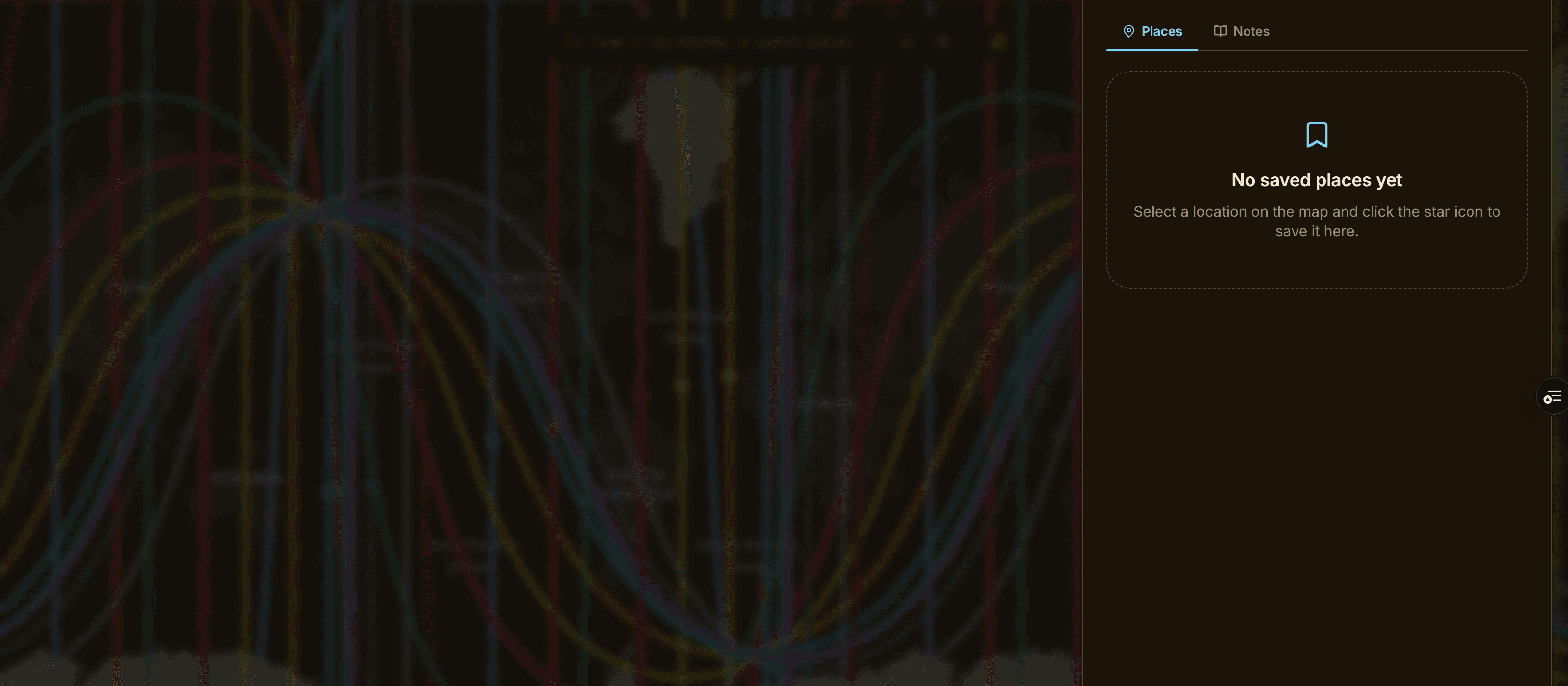
[!TIP] Pinning and saving do different jobs: pin a line to study it in place; save a place to keep the whole spot for later.